Scammers have set up a clone of the myGov website to trick you into sharing your login and bank account details.
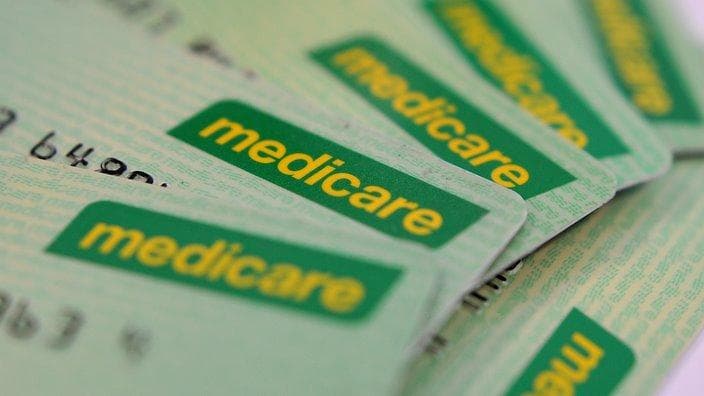
The scam starts with a phishing email that looks like it is from Medicare, asking you to update your Electronic Funds Transfer (EFT) details so you can start receiving payments for Medicare benefits and claims.
If you click on the link in the email, you are taken to a replica of the real myGov website. You’ll note the URL includes ‘.net’ instead of ‘.gov.au’, which is an indication the website is not a legitimate Australian Government domain!
If you input your login details, you are directed to also enter your secret security question and answer, before you’re taken to the fake Medicare website to input your bank account details.
These emails and web pages feature myGov and Medicare design and branding, making them appear legitimate.
Remember, clicking on the link and sharing your details gives these scammers access to your personal information, which they then use to steal your money and identity!
How do I stay safe?
Email continues to be a popular method for criminals hoping to trick you into handing over your money or personal information.
There are some simple steps you can take to avoid an email scam:
- Do not click on links in emails or text messages claiming to be from myGov or Medicare. myGov will never send you a text, email or attachment with hyperlinks or web addresses.
- Don’t open messages if you don’t know the sender, or if you’re not expecting them.
- Be suspicious of messages that aren’t addressed directly to you, or don’t use your correct name.
- Log in to your official myGov account by typing the web address into your browser to check your inbox for any legitimate emails from Medicare.
- You can also contact the organisation separately to check if they have sent the message.
If you are concerned that your personal information has been compromised and misused, you can contact Australia’s National Identity and Cyber Support Service, IDCare or use their free Cyber First Aid Kit.
If you have been a victim of a cybercrime such as fraud, report it to the Australian Cybercrime Online Reporting Network (ACORN).
For more information, please visit: www.staysmartonline.gov.au