
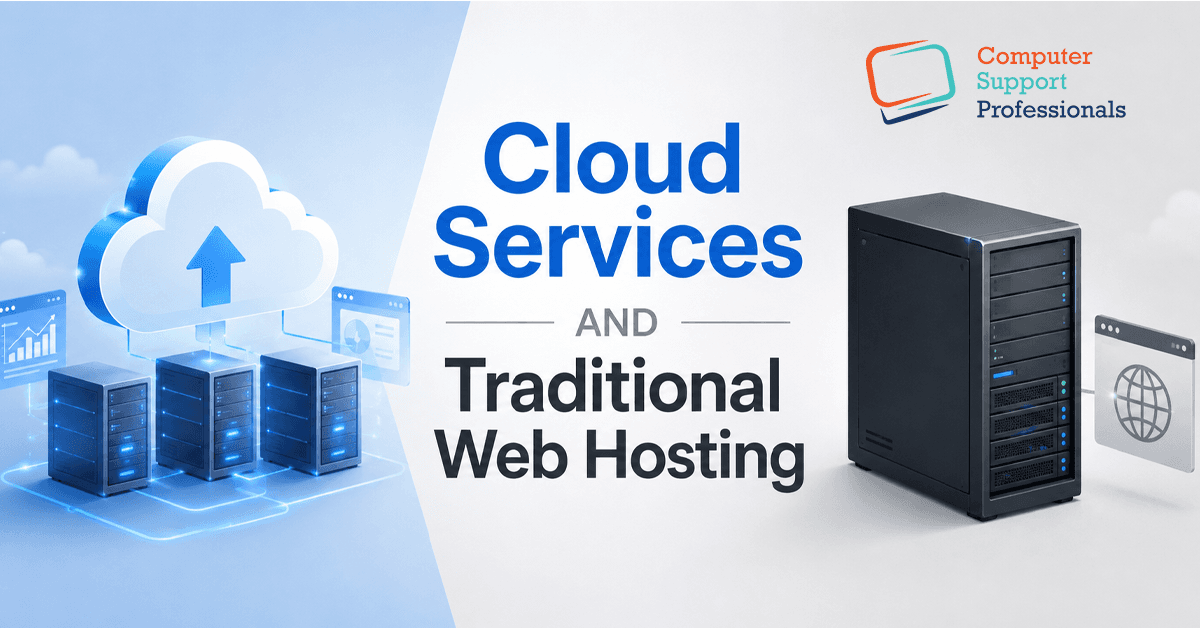
Cloud hosting and traditional hosting get talked about like two completely different products, but the real, fundamental difference comes down to architecture: is your website running on one physical server, or across a connected network of them? That single distinction shapes everything else: uptime, scalability, security, and cost. This guide breaks down what traditional hosting (shared, VPS, and dedicated) and cloud hosting are, where each genuinely wins, and how to work out which one your website needs.
What Is Traditional Web Hosting?
Traditional web hosting runs your website on a single physical server (or a fixed slice of one) in a specific data centre location. All your files, databases, and resources live in that one place. It's not one product, though it covers three distinct tiers, each trading off cost against control.
1. Shared Hosting
Your website shares one server's resources CPU, RAM, and storage with many other websites. It's the cheapest entry point and suits small brochure sites, blogs, and low-traffic pages, but performance can be affected by what other sites on that server are doing.
2. VPS Hosting
A virtual private server gives you a dedicated slice of a physical server's resources, isolated from other tenants. VPS hosting gives more consistent performance and more control over server configuration.
3. Dedicated Hosting
The whole physical server is dedicated only to your website. It's the most powerful and most expensive traditional option, suited to large, resource-heavy sites with predictable, high traffic.
What Are Cloud Services?
Cloud hosting utilises a network of interconnected virtual servers to run a website. Rather than relying on a single server. This method draws resources from established providers such as Amazon Web Services (AWS), Microsoft Azure, or Google Cloud. If one server fails, another can take over to ensure continuous service. Additionally, resource allocation can dynamically adjust to accommodate varying website traffic, enhancing performance and reliability.
1. How Cloud Hosting Achieves Redundancy
Redundancy comes from distributing your website's data and processing across multiple servers, often in multiple physical locations. If hardware fails in one location, traffic is redirected to another without visitors noticing.
2. Not All Cloud Is Automatically Resilient
It's worth being precise here: the word cloud doesn't automatically mean your site is redundant. A single cloud server with one database and no replication can fail exactly like a traditional server. Genuine resilience needs proper architecture, load balancing, data replication, and capacity spread across separate failure zones, not just cloud infrastructure by name.
Performance and Uptime
Hosting choice affects two of the most important ranking signals in 2026: page speed and consistent uptime. Page speed feeds directly into Core Web Vitals, which Google uses as a ranking factor, and a site that goes down regularly is harder for search engines to crawl and index reliably. Cloud hosting generally delivers more consistent speed and stronger uptime under real traffic conditions than a single traditional server, because load can be spread across multiple machines rather than bottlenecking on one.
Security
On shared hosting specifically, your site sits on the same server as many others you have no control over. If a neighbouring site is hit by a large attack, gets flooded with bad bots, or is compromised by malware, your site's performance and security can be affected too; this is commonly called the noisy neighbour problem. VPS and dedicated hosting reduce this risk through isolation, and cloud hosting reduces it further through network-level separation between tenants.
Cost
Traditional hosting, especially shared hosting, is the cheaper entry point with a fixed, predictable monthly fee straightforward to budget for. Cloud hosting typically costs more upfront because you're paying for elastic, on-demand capacity rather than a flat allocation, but it can work out more cost-efficient over time for growing sites, since you're not paying for capacity you don't use during quiet periods. The right comparison isn't month-to-month price, but total cost over two to three years against your expected traffic growth.
Which Should Australian Businesses Choose?
- Small brochure site, blog or portfolio with steady, low traffic: shared or VPS hosting is usually enough, and cheaper.
- Growing business sites expecting seasonal spikes or gradual traffic growth: cloud hosting's automatic scaling avoids manual upgrades under pressure.
- eCommerce store or SaaS platform with unpredictable, high, or global traffic: cloud hosting's redundancy and scalability are close to essential.
- Resource-heavy application with steady, predictable high traffic: dedicated hosting can offer excellent value without cloud's variable billing.
- Handling customer data or operating in a regulated industry: whichever option you select, always check the physical location of your host’s servers to ensure full compliance with Australian data residency rules.
Conclusion
Traditional hosting puts your website on one server, which is simple, predictable, and cheap, but creates a single point of failure. Cloud hosting spreads your website across a network of servers, trading a higher starting cost for scalability and resilience, provided it's set up properly. Match the model to your site's traffic pattern and growth plans, not just the price tag.