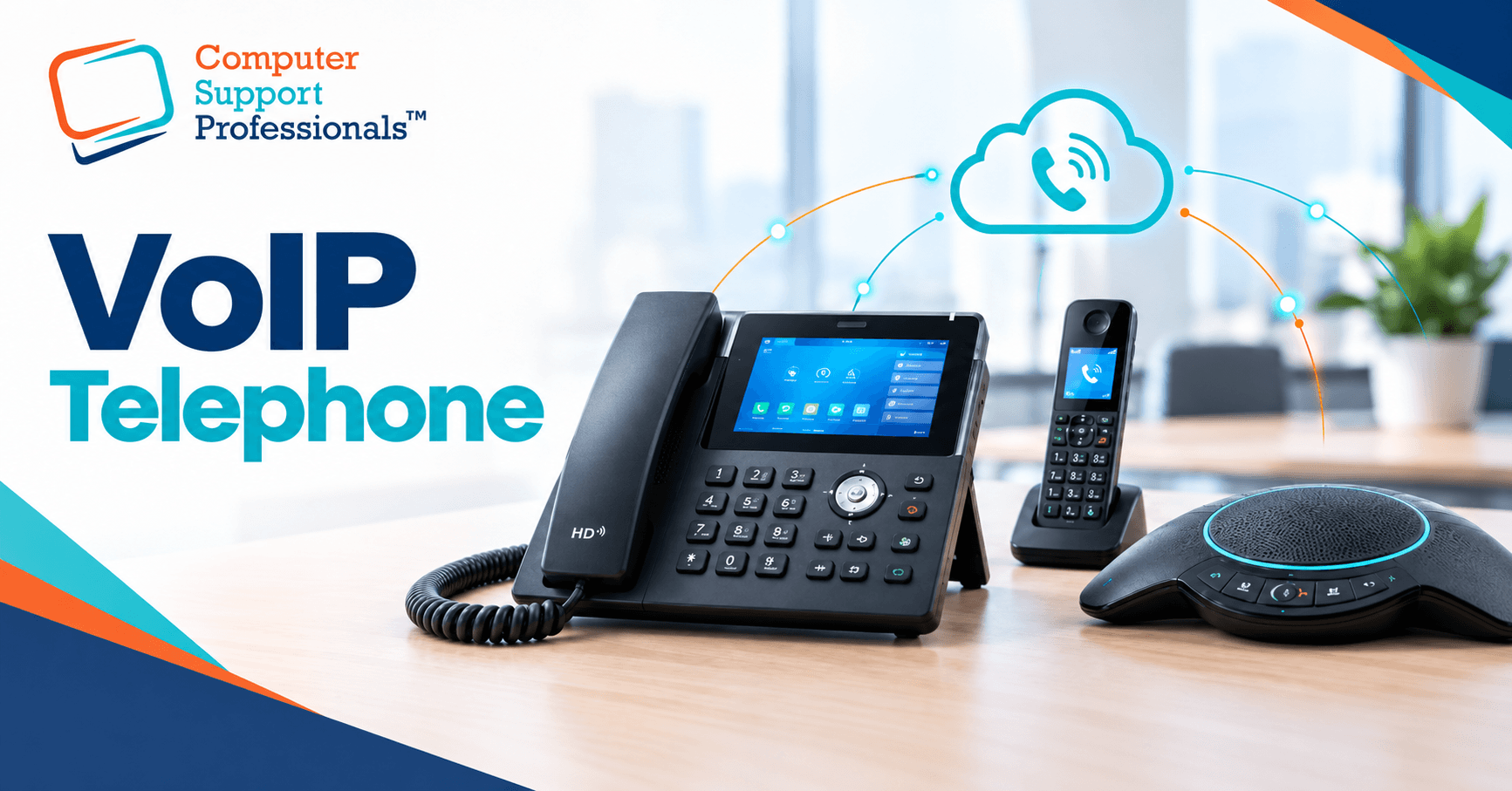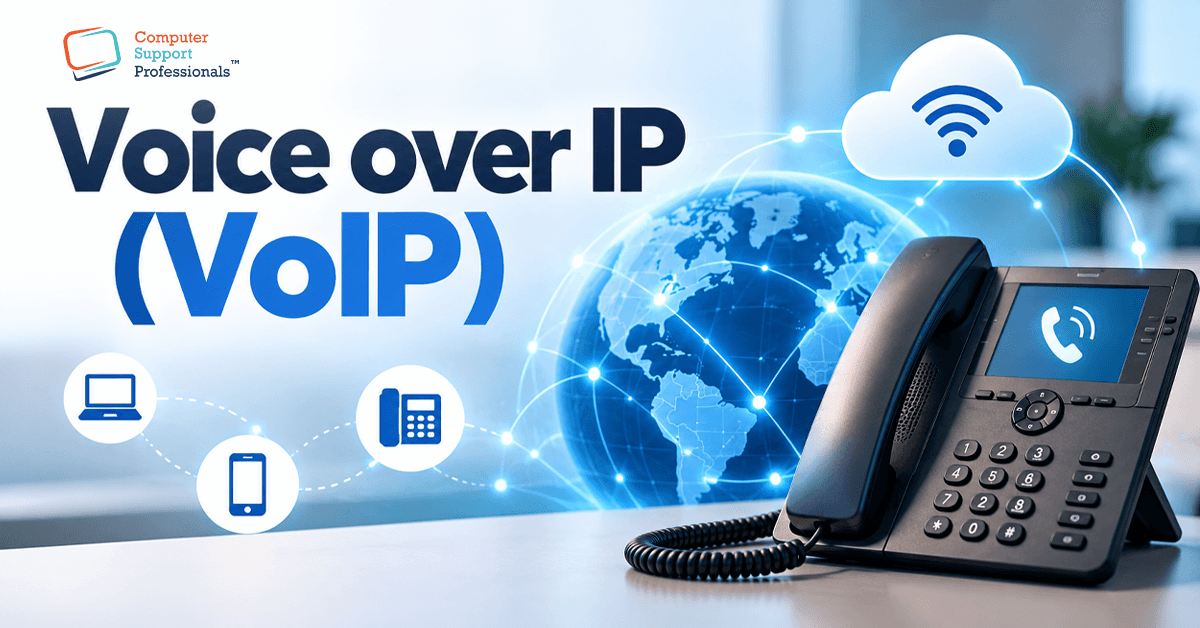
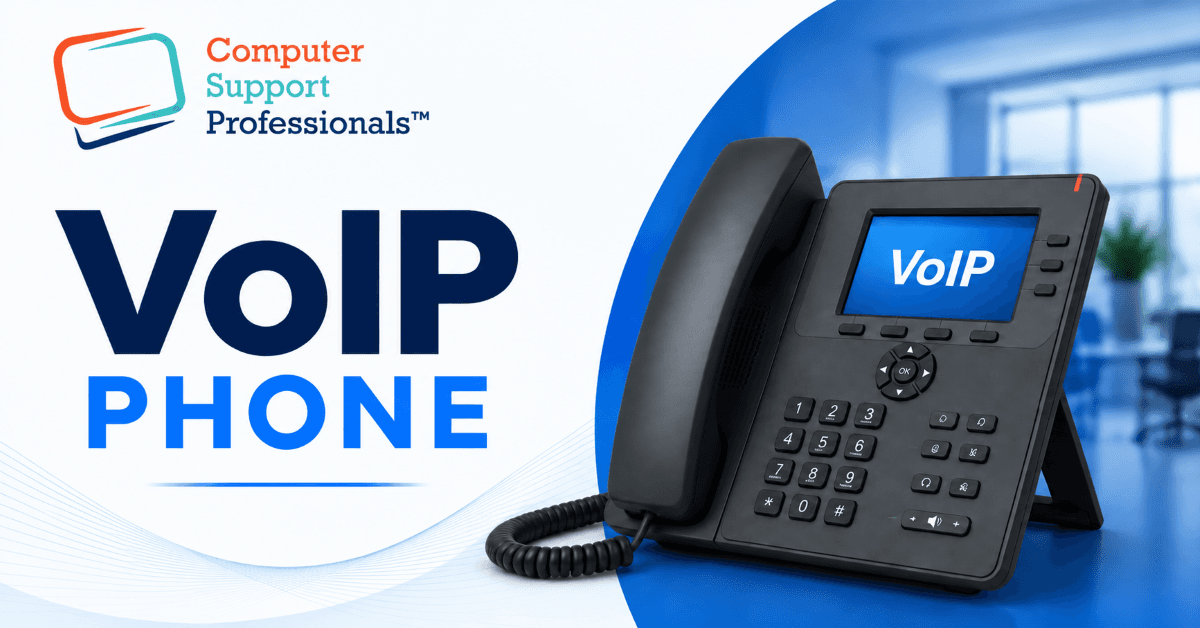
A VoIP phone looks almost identical to the desk phone it's replacing, which is exactly why the difference confuses people. A VoIP phone uses an IP network to carry calls as digital data, while a traditional analogue desk phone connects to a conventional telephone service. That single difference changes cost, flexibility, features, and what happens when something goes wrong, and it's worth understanding clearly before your business switches either way.
What Is a VoIP Phone?
A VoIP phone is a physical handset that makes and receives calls over your internet connection rather than a dedicated phone line. It plugs into your network, usually via Ethernet, and commonly uses a protocol called SIP (Session Initiation Protocol) to connect to your business's cloud phone system. From the outside, it looks like an ordinary office phone. Underneath, it's closer to a small, networked computer than a traditional handset.
A VoIP phone is not the same thing as a softphone. A softphone is an app on a laptop or mobile that does the same job without any physical handset at all. Many businesses run both side-by-side hardware phones at reception and fixed desks, and softphones for staff who work remotely.
What Is a Traditional Landline Phone?
A traditional landline phone connects to a fixed telephone service rather than directly to an IP network. Historically, these services were commonly delivered over copper as part of the Public Switched Telephone Network (PSTN). No internet connection is required. The call travels as an electrical signal down the wire to the exchange and out to the person you're calling.
This simplicity is also the reason it's becoming less common. Traditional legacy copper phone services have already been replaced as part of the transition to the NBN network. Some exceptions remain, including certain regional special-service and non-NBN network arrangements. Consequently, businesses that haven't already moved to VoIP are increasingly doing so by necessity rather than choice.
VoIP Phone vs Desk Phone: A Side-by-Side Comparison
| Factor | Standard Desk Phone | VoIP Phone |
| Connection | Copper telephone line (PSTN) | Internet connection via Ethernet or Wi-Fi |
| Cost | Higher per-line charges, especially long-distance | Generally lower, often bundled with internet or per-user |
| Flexibility | Fixed to the location it's wired to | Can be used anywhere with a stable connection |
| Features | Basic call handling only | Auto attendant, call recording, CRM integration, video |
| Setup | Requires a technician and dedicated wiring | Connects to the existing network, usually self-installed |
| Availability | Being phased out as the NBN replaces copper | Standard for new business phone deployments |
Why the Difference Matters for Cost
A traditional desk phone bills per line and often per minute for long-distance or international calls, which adds up quickly for a business making regular interstate or overseas calls. A VoIP phone typically runs on a per-user subscription that bundles most call types into a flat rate. Additionally, VoIP removes the cost of maintaining separate telephone wiring throughout an office, since it runs over the network infrastructure your business already has.
Why the Difference Matters for Flexibility
A desk phone is tied to its wiring. If a staff member changes desks, the phone effectively must move with them, and a new connection may be needed. A VoIP phone, by contrast, follows the user rather than the desk - log in from another handset, a laptop softphone, or a mobile app, and calls, extensions, and voicemail come with you. As a result, hybrid and multi-site teams generally find VoIP considerably easier to manage.
Why the Difference Matters for Reliability
This is the trade-off worth planning for rather than ignoring. A traditional desk phone typically keeps working during a power outage and often during an internet outage, since it draws power down the copper line itself. A VoIP phone depends on both internet connectivity and mains power at the site, unless a business has planned around it with a UPS or a 4G/5G failover connection. Neither option is automatically "safer” the right setup for a business depends on how much that continuity gap matters to its operations.
How CSPRO Can Help
Choosing between a VoIP phone and a standard desk phone is really a network and business continuity decision dressed up as a hardware question. CSPRO helps Australian businesses assess whether their network is ready for VoIP, set up hardware IP phones or softphones to suit how the team works, and build in the failover options that keep calls running if the internet drops.
If your business is still weighing up VoIP phones against your current desk phones, or you've already switched and it isn't performing the way it should, get in touch for a free consultation and a clear recommendation.