
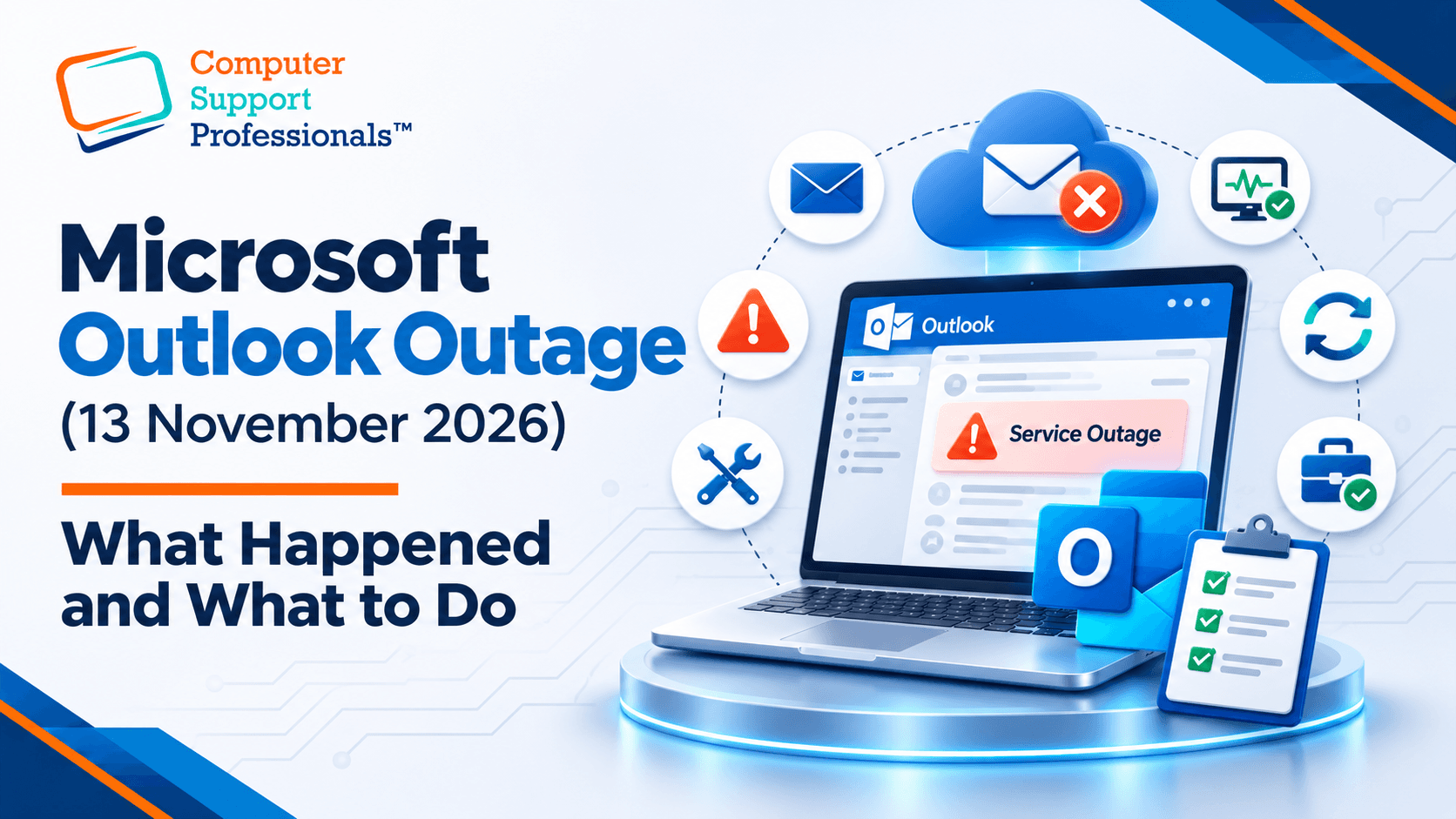
If Outlook wouldn't load when you opened your laptop this morning, it isn't your computer. A Microsoft 365 outage that started overnight has knocked out Exchange Online, the service behind Outlook email, for businesses around the world, including here in Australia.
Many Australian users woke up to email that wouldn't load and a "something went wrong" message asking them to refresh. Refreshing doesn't help. Here's what we know so far, and what to do while Microsoft works on it.
What happened
The problems started on Thursday afternoon US time, which was the early hours of Friday 13 November in Australia. Microsoft is tracking the incident as EX1550543 for Exchange Online and MO1550821 for the other Microsoft 365 services that rely on it.
Microsoft says part of its server infrastructure became unavailable, which put extra strain on the servers that were left. It pointed to a core process on the affected servers that was being overwhelmed, and it has since started reverting a recent network configuration change that lines up with when the trouble began. It hasn't confirmed a root cause yet, and it says there's no sign of malicious activity.
Recovery is happening in stages. Some servers came back and then fell over again once traffic returned, so expect things to improve gradually rather than all at once.
What's affected
- Email in Outlook desktop, Outlook on the web and the Outlook mobile app.
- Calendars and meeting invites, including scheduling meetings from Teams.
- Other Microsoft 365 features that rely on Exchange, such as parts of SharePoint, Copilot and Defender for Office 365.
Teams chat and calls have largely kept working, and files in SharePoint and OneDrive can still be opened.
What to do right now
- Don't reinstall Office, delete your Outlook profile or reset your password. The fault is on Microsoft's side, so none of these will fix it, and they leave you with extra work once it's over.
- Check the status before you troubleshoot. Admins can follow the incident under Service health in the Microsoft 365 admin centre, or at status.cloud.microsoft if the admin centre won't load.
- Use another channel for anything urgent, such as a phone call, SMS or Teams chat.
- Tell your customers. A short note on your website or social media saves a lot of "did you get my email?" calls.
- Hold off on IT changes until Microsoft confirms things are stable, so you're not chasing two problems at once.
Microsoft has said email delivery may be delayed. Delayed messages are normally held and retried, so most email sent to you during the outage should still turn up. Check before you ask people to send it again.
The lesson for next time
Cloud services are very reliable, but not perfect. When Microsoft has a bad day, every business on Microsoft 365 has one too. The businesses that cope best have sorted out a few things in advance:
- How you'll reach staff when email is down. Keep a phone list somewhere other than Outlook.
- Where your service alerts go. Send Microsoft 365 service health alerts to an address outside Microsoft 365, or they'll land in the very mailbox that's down.
- A backup of your Microsoft 365 data. It won't bring Outlook back during an outage, but it protects your email and files if something is deleted or lost. Our guide to backing up Office 365 explains why.
Need a hand?
If your team is still having trouble once Microsoft confirms recovery, or you'd like a simple plan for the next outage, our Microsoft 365 support team can help. Get in touch and we'll take it from there.