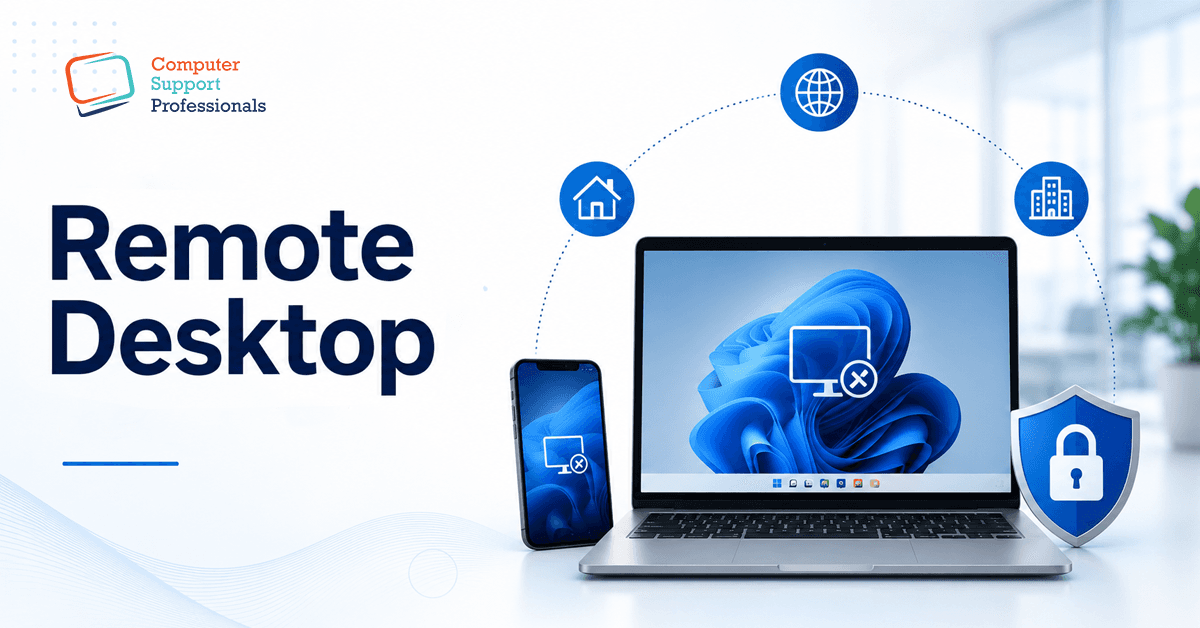
Being able to access your office computer from home, a client site, or the airport lounge is genuinely useful until it becomes the reason your business ends up in a ransomware headline. A secure remote desktop connection isn't just about ticking a box marked 'remote access enabled'; it's about choosing the right method, locking it down properly, and understanding what's at stake if you get it wrong. This guide explains remote desktop access, its common security risks, and how to connect securely without sacrificing convenience.
What is Remote Desktop?
Remote desktop access lets you see and control a computer from a different device, anywhere with an internet connection, as if you were sitting in front of it. Windows has built-in Remote Desktop Protocol (RDP), a Microsoft technology that's been around since the late 1990s and remains one of the most common ways businesses let staff work from home or off-site.
On its own, RDP isn't the problem. It's a mature, well-supported piece of technology. The problem is how it's most deployed with the RDP exposed directly to the internet through a business's firewall, this allow to reach it from anywhere with no extra layer of protection required. That convenience is exactly what makes it a favourite target for attackers.
The Risk Most Businesses Don't Realise They're Taking
An RDP port exposed directly to the internet is one of the most consistently exploited entry points in ransomware attacks worldwide. Attackers run automated tools that scan the entire internet for open RDP ports, then attempt to brute-force weak passwords or use credentials leaked from other breaches. Once they're in, they have the same level of access as the legitimate user, often enough to move across the network, disable backups, and deploy ransomware.
This isn't a rare or theoretical risk. Security researchers and law enforcement agencies have repeatedly named exposed RDP as one of the leading initial access methods in major ransomware incidents. If your business has RDP exposed to the internet with just a username and password standing between an attacker and your systems, that's a genuine, current exposure, not a hypothetical one.
RDP, VPN, Cloud Desktops, and Third-Party Tools
1. RDP behind a VPN
Instead of exposing RDP directly, staff first connect to a business VPN, which creates an encrypted tunnel into the network. Remote desktop services are then accessible through an encrypted VPN tunnel rather than directly from the public internet. This reduces the surface attack while maintaining the familiar RDP experience.
2. Cloud-hosted desktops (Windows 365, Azure Virtual Desktop)
Instead of using remote access to a physical office PC, all staff members can connect to virtual desktops hosted in Microsoft's cloud. Windows 365 Cloud PC is designed for exactly this use case: a consistent, secure desktop accessible from any device, with Microsoft managing the underlying security patching and infrastructure.
3. Reputable third-party remote access tools
Tools like TeamViewer, AnyDesk, and Splashtop route connections through vendor-operated relay servers rather than opening a port on your firewall. These can be a reasonable option for smaller setups, provided you choose a reputable vendor, keep the software updated, and enable the vendor's own multi-factor authentication.
Side-by-Side Comparison
| Method | Security Level | Typical Business Fit |
| RDP is exposed directly to the internet | High-risk, not recommended | Should be avoided or remediated immediately |
| RDP behind a business VPN | Good, with MFA on the VPN | Businesses with existing on-premises infrastructure |
| Windows 365 / Azure Virtual Desktop | Strong cloud-managed security | Growing businesses wanting simplicity and scalability |
| Reputable third-party tools (with MFA) | Good for smaller setups | Small teams needing occasional remote access |
Multi-Factor Authentication and Conditional Access Explained
Multi-factor authentication (MFA) adds an extra step to verify your identity beyond just using a password. This usually means you will need to enter a code from an app or respond to a prompt on a device that you have registered. Even if an attacker steals or guesses a password, MFA can prevent them from completing the login. For remote access specifically, MFA is one of the most effective security controls available, and it should be considered non-negotiable rather than optional.
Conditional Access, available with Microsoft Entra ID, goes a step further by applying rules around login attempts, for example, blocking sign-ins from unexpected countries, requiring a compliant device, or forcing re-authentication for high-risk sign-in patterns. If your business uses Microsoft 365 Business Premium, you have access to Conditional Access. Together, these features strengthen remote access security beyond multi-factor authentication (MFA).
Remote Access and the ACSC Essential Eight
The Australian Cyber Security Centre's Essential Eight framework is a widely recognised cybersecurity baseline for Australian organisations. Multi-factor authentication is one of the eight core strategies, and it applies directly to remote access. Application control and regular patching, two other Essential Eight strategies, are equally relevant to whichever remote access method a business chooses.
For businesses seeking cyber insurance or bidding for government contracts, being able to demonstrate that remote access is properly secured, not just technically functional, is increasingly a baseline expectation rather than a differentiator.
What to Do If Your RDP Is Already Exposed
If you're not sure whether your business currently has RDP exposed to the internet, that uncertainty is itself worth acting on. A basic network scan (which a managed IT provider can run quickly) will confirm whether port 3389, RDP's default port, is exposed externally. If it is, there is no need to panic, but it should be treated as a priority, not a task for another day.
The remediation path is usually straightforward: remove the direct exposure, set up a VPN or migrate to a cloud-hosted desktop, enable MFA, and confirm the change with another external scan. This is exactly the kind of fix that requires less time and cost than recovering from a ransomware incident that started with an open RDP port.
Common Mistakes Australian Businesses Make
- Exposing RDP directly to the internet for convenience, without a VPN or additional layer of protection.
- Relying on a password alone, with no multi-factor authentication on the remote access method.
- Using shared or generic accounts for remote access makes it difficult to trace who logged in.
- Leaving remote access enabled for staff who no longer need it, or who have left the business.
- If a firewall alone provides sufficient protection, without monitoring inbound access attempts or exposed services.
How CSPRO Can Help
Deciding how your business should handle remote access isn't just a technical question; it's a business risk decision with real consequences. CSPRO support Australian businesses by providing:
- A remote access security audit, including an external scan to check for exposed RDP or other unsecured entry points.
- Migration to secure remote access, whether that's VPN-gated RDP, Windows 365 Cloud PC, or another approach that fits your business.
- MFA and Conditional Access setup aligned to support applicable ACSC Essential Eight.
- Ongoing monitoring so remote access stays secure as your team and systems change.
If you're not sure whether your current remote access setup is exposing your business unnecessarily, or you're planning a move to Windows 365 or another cloud-hosted option, Cspro’s team can review your setup and give you a straight answer.
Conclusion
A secure remote desktop connection comes down to one simple principle: never expose direct access to the internet without another layer of protection in front of it. Whether that's a VPN, a move to Windows 365 Cloud PC, or a reputable third-party tool with multi-factor authentication switched on, the right setup lets your team work from anywhere without turning your office computer into an open door for attackers.
If you're not sure whether your business currently has RDP exposed, or you want a straight assessment of the most secure way to enable remote access for your team, CSPRO can run a quick security check and recommend a setup that fits how your business works.