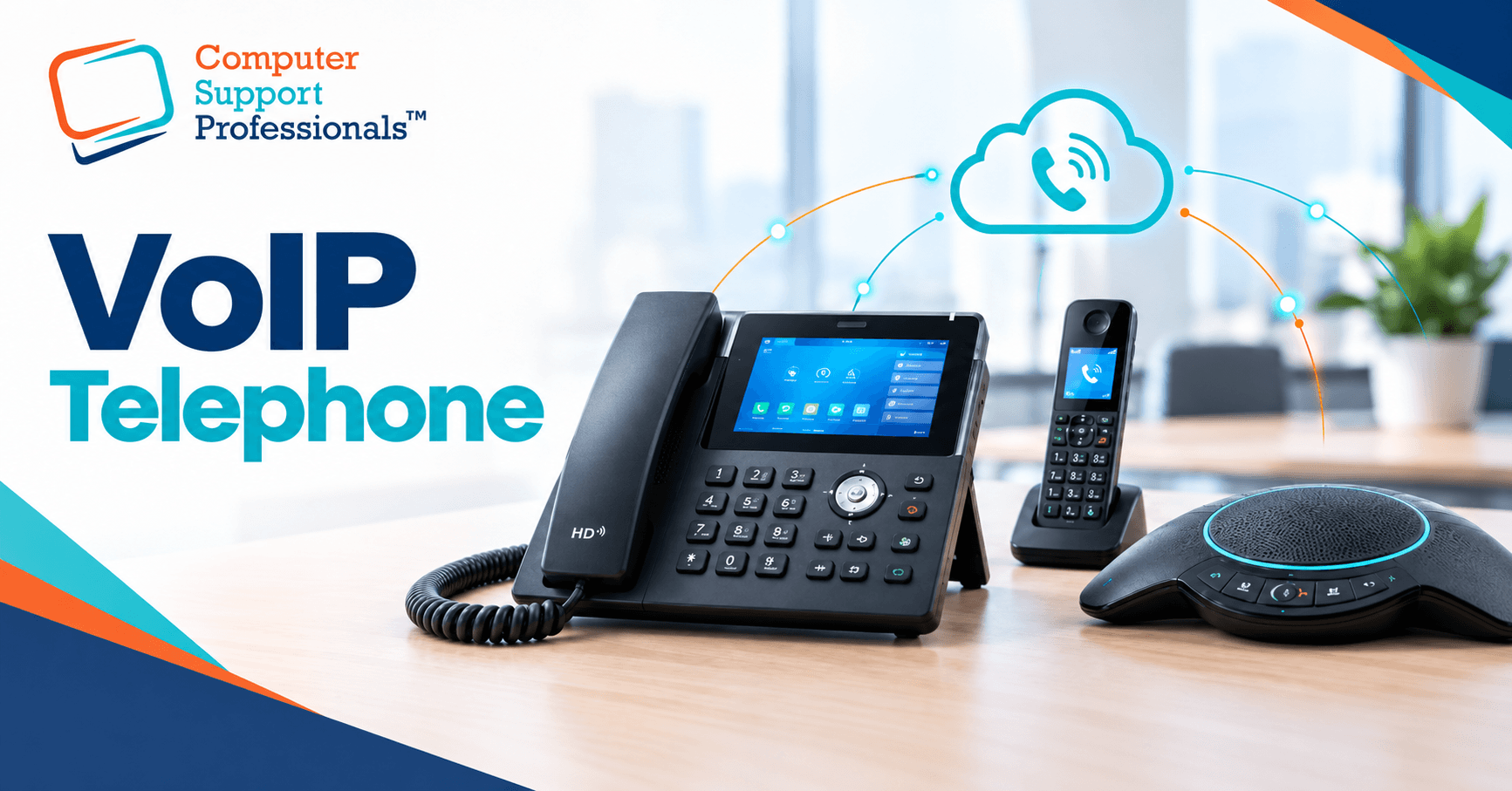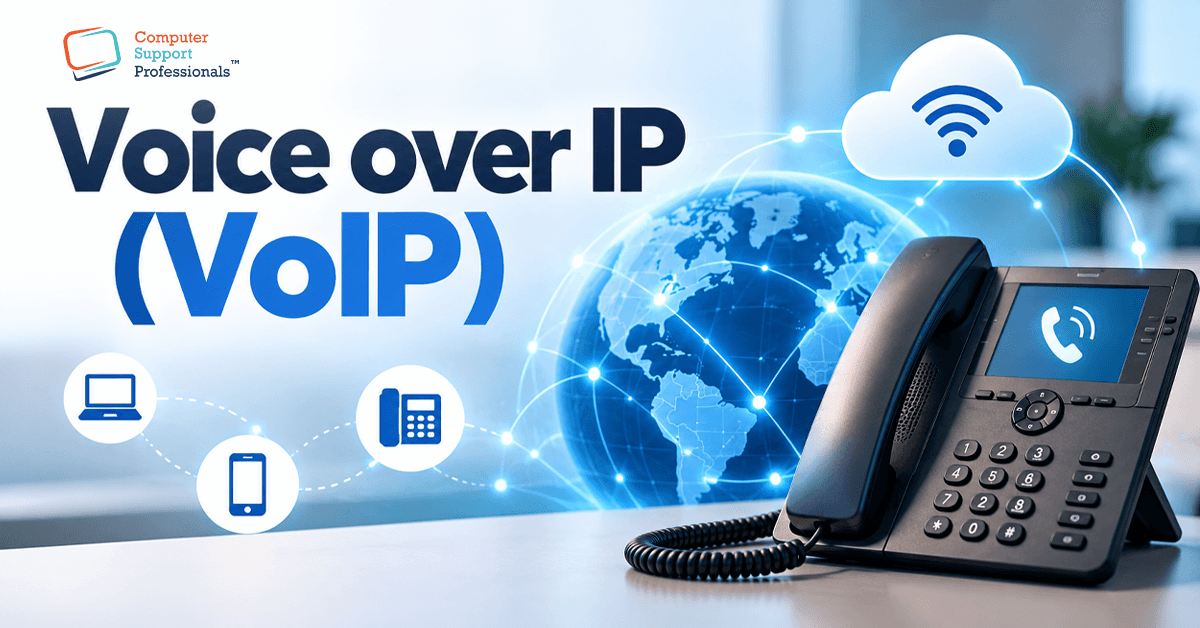
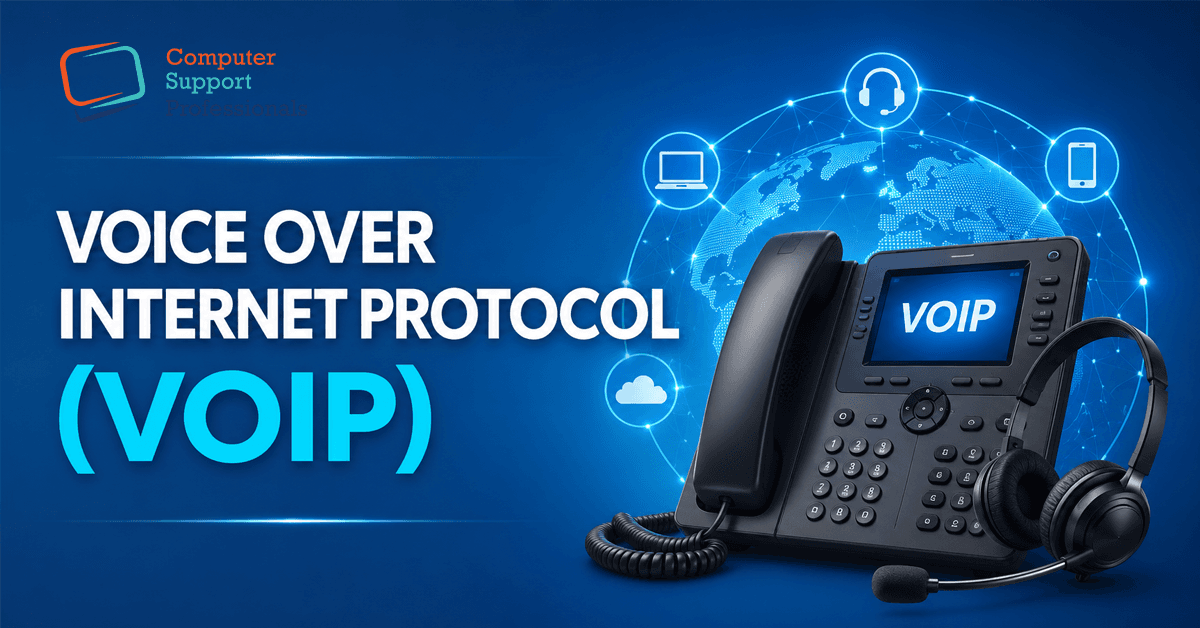
Simply put, VoIP is a way of making phone calls using your internet connection instead of a traditional copper phone line. Most Australian businesses have either already switched or are being nudged toward it, partly because the NBN rollout has made traditional landlines increasingly rare. But understanding how it works and what genuinely affects call quality matters more than most provider marketing pages let on. This guide explains how VoIP works and what determines whether it performs reliably for your business.
What Is VoIP?
Voice over Internet Protocol, or VoIP, converts your voice into digital data and sends it over the internet, the same way an email or a video call travels, rather than over a dedicated copper phone line. On the other end, that data is converted back into sound, and the call plays through a handset, headset, or computer, just like a traditional phone call.
This shift matters because it means your phone system now depends on the same infrastructure as the rest of your business's internet use, rather than a separate, dedicated line. That's both the source of VoIP's biggest advantages and its most common frustrations, depending on how well it's set up.
How a VoIP Call Actually Travels
When you speak into a VoIP phone or headset, your voice is captured and converted into digital data using a codec, a piece of software that compresses audio into small data packets. Those packets travel across the internet, sometimes taking slightly different paths, and are reassembled in the correct order at the other end, then converted back into sound almost instantly.
This entire process typically happens in a fraction of a second, which is why a well-configured VoIP call sounds essentially indistinguishable from a traditional call. The 'almost instantly' and 'well-configured' parts of that sentence are exactly where things can go wrong, which is covered in Section 4.
VoIP vs Traditional Landlines: What's Really Different
| Factor | Traditional Landline | VoIP |
| How it works | Dedicated copper line to the exchange | Voice converted to data, sent over the internet |
| Cost | Generally higher, per-line charges | Generally lower, often bundled with the internet |
| Flexibility | Tied to a physical location | Can be used from any internet connection |
| Features | Basic call handling | Auto attendants, call routing, and integrations included |
| Dependency | Works during power/internet outages | Depends on the internet and power at the site |
The flexibility and feature set are usually the reasons why businesses move to VoIP. The dependency row is the trade-off worth planning for, covered in Section 5.
What Affects VoIP Call Quality
Poor VoIP call quality almost always comes down to one of three technical factors, all of which sound more complicated than they are:
1. Latency
Latency is the delay between speaking and being heard on the other end. A small amount is unavoidable and unnoticeable; too much latency causes the awkward talking-over-each-other pattern common on poorly configured calls.
2. Jitter
Jitter is an inconsistency in how quickly data packets arrive, causing choppy or robotic-sounding audio, even when overall internet speed seems fine.
3. Packet loss
Packet loss happens when some of the data making up your call simply doesn't arrive, causing gaps, dropouts, or garbled audio.
These issues are often caused by network congestion, insufficient bandwidth, or poor quality of service (QoS) configuration.
Business Continuity: What Happens If the Internet Goes Down
This is the trade-off most provider marketing pages skip over. A traditional landline generally keeps working during a power outage and often during an internet outage. A VoIP phone system depends on both internet connectivity and power at your premises, unless you've planned for it.
- Call forwarding to mobile numbers, configured in advance, lets calls redirect automatically if your primary connection drops.
- A backup internet connection (such as a 4G/5G failover) keeps your VoIP system online even if your primary internet fails.
- A UPS (uninterruptible power supply) keeps your network equipment running through a brief power outage, giving VoIP calls a chance to continue or fail over gracefully.
Which VoIP Setup Suits Your Business? A Scenario-Based Guide
1. Small business or professional services firm
A straightforward VoIP plan with call forwarding to mobile as a backup usually covers the basics well, particularly if the business already uses Microsoft 365.
2. A growing SME with multiple staff
QoS configuration and a backup internet connection become more important here, given the higher call volume and greater cost of downtime.
3. Government contractor or larger corporate organisation
A more formal network readiness assessment, redundant connectivity, and a documented continuity plan for phone systems are worth the investment, given compliance and reliability expectations.
Common Mistakes Businesses Make When Switching to VoIP
- Switching to VoIP without checking whether the existing network can support it reliably.
- Assuming call quality problems are the VoIP provider's fault when they're caused by network congestion or missing QoS configuration.
- Not planning for what happens to phone calls during an internet or power outage.
- Choosing a provider based on price alone without checking whether Australian-based support is available.
- Overlooking whether Microsoft Teams Phone might be a simpler fit than a separate VoIP platform.
- Not testing call quality under realistic conditions, only during a quiet test call.
How CSPRO Can Help
Choosing and setting up VoIP properly is a network and business continuity decision as much as a phone decision. CSPRO helps Australian businesses through:
- A network readiness assessment to confirm your internet and infrastructure can support reliable VoIP calls.
- VoIP migration and setup, including QoS configuration and number porting.
- Business continuity planning for your phone system, including failover and backup power options.
- Guidance on choosing between Microsoft Teams Phone and dedicated VoIP providers based on your existing tools.
- If you're considering switching to VoIP or you've already switched and call quality isn't what you expected, CSPRO can review your setup and fix what's causing the problem.
Conclusion
VoIP explained plainly comes down to this: your voice becomes data, travels over your internet connection, and arrives sounding like a normal phone call, provided the network behind it is set up properly. Technology itself is mature and reliable. What determines whether your business has a great experience or a frustrating one is bandwidth, network configuration, and a sensible plan for what happens if the internet goes down.
If you're considering a move to VoIP or your current system isn't delivering the call quality your business needs, CSPRO can assess your network and set up a system that works the way it should.