
Nowadays, many people use remote desktop software to work from home or control other people’s computers. With the help of this software, you can access another computer via the Internet. Many free remote desktop tools are easy to use and do not cost much, which is why their use is increasing among students, freelancers and offices. Remote desktop software are very helpful for online meetings, file sharing and technical support.
Best Remote desktop software
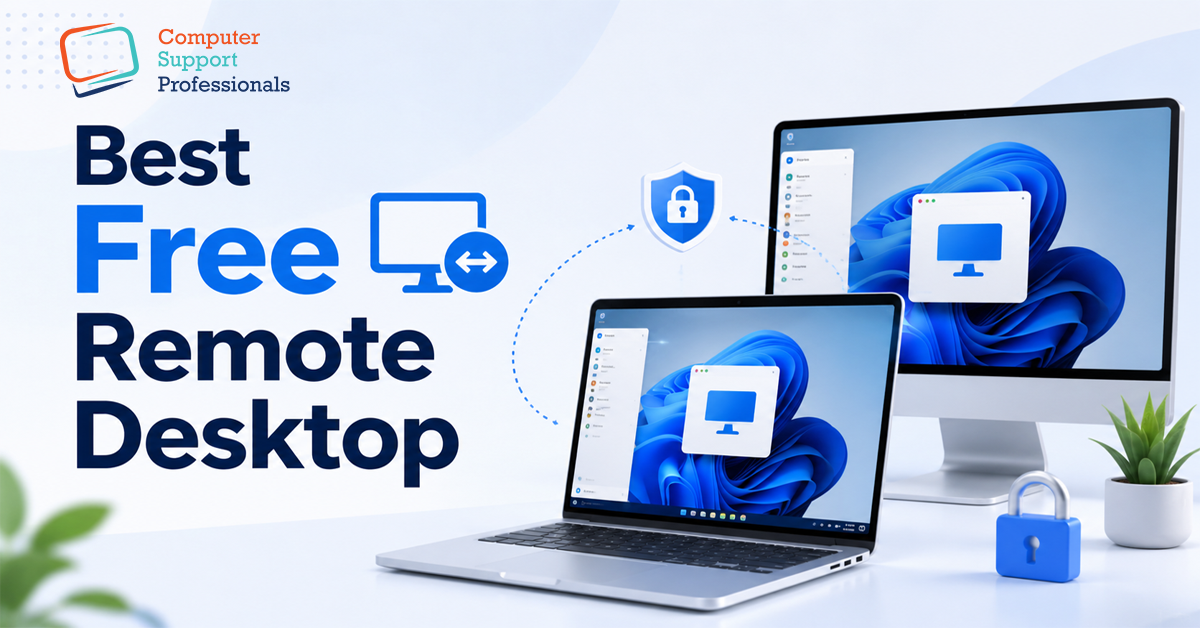
Remote desktop software is a program that allows you to access another computer, laptop, or system over the Internet. In simple way, if you are in one place and your computer is located in another, this software allows you to use that computer remotely. A user can open files, use software, troubleshoot problems, and even control the entire computer.
Nowadays, remote desktop software is being widely used in homes, offices, companies, and freelancers. For example, if a person is working from home and needs a file or program on the office computer, he can easily access that computer through remote desktop. Similarly, computer experts also fix other people’s systems remotely.
Popular free remote desktop tools include:
- AnyDesk
- TeamViewer
- Chrome Remote Desktop
- RustDesk
Is free remote desktop software safe?
There are millions of people all over the world who use free remote desktop software on a daily basis. This software is generally quite useful to use. A user is able to access other computers, work from home, and receive online support with the assistance of these software programs.
Hackers can get into a computer if the person using the computer is not careful. Weak passwords, an unsecured Internet connection or fake software increase the chances of your personal information being stolen. A remote connection is another method that hackers can use to gain access to vital data or files. In order to help keep your system secure, you should make use of robust passwords, only download software from reputable sources, and ensure that your security settings are always up to date.
Major security risks
Hacking Risk
An unauthorised individual gaining access to your computer or system without your permission is what we mean when we talk about hacking. During the time that you are using remote desktop, hackers will have an easy time accessing your system if you use a password that is not strong or if you do not adjust the security settings. Any of your files can be viewed, deleted, or even misused by them. Hackers can even take control of your computer without your knowledge. It is for this reason that it is of the utmost importance to always use robust passwords and security features in order to prevent hacking.
Data theft
When using remote desktop, your computer is connected to the Internet, during which your data can be at risk. If the software is not secure, anyone can steal your important files, photos, videos, or personal information. This data can later be used in wrong ways such as fraud or blackmail. Therefore, always use software that provides encryption so that the data remains safe and no one can easily steal it.
Insecure software
There is a lack of security in certain free remote desktop programs. There is a possibility that they contain malicious software or viruses that could cause damage to your computer. Software of this kind has the potential to corrupt your files and slow down your system. In some cases, they will even steal your data without your authorised consent. As a result of the fact that they are free, their security is not as robust. Consequently, you should always go with software that is well-known and reliable.
Privacy issues
Privacy means keeping your personal information safe. Some remote desktop apps can record your activities such as what you are doing, which files you are opening or which websites you are visiting. This information can be used elsewhere without your permission. This puts your privacy at risk. Therefore, it is important that you only use software that clearly states that they do not record your data.
Fake or Counterfeit Software
There are many fake remote desktop programs on the Internet that look like real software but are actually harmful. People download them and then their computers get infected with viruses or hackers take control of their systems. This fake software can also steal your data. Therefore, in order to avoid any potential dangers, you should never download software from any other source than the official website or a reputable platform.
Conclusion
Free remote desktop software is very easy to use. It allows you to control your computer remotely. This is very useful for people who work from home or help others. But if it is not used carefully, it can also cause harm. If the password is weak, anyone can enter your computer and view or steal your data.
Therefore, it is important to always use safe and reputable software. Also keep updating such software from time to time so that it is more secure. Do not download any unknown or fake programs. If you are a little careful, remote desktop can become a very convenient and beneficial thing for you and your work also becomes easier.