
In today’s modern era, every company and common person is using cloud storage instead of a computer or mobile to store their important data. Cloud storage is an online service in which your files, photos, videos and other information are stored on large and powerful servers via the Internet instead of being stored directly on your device. These servers are located in different data centers around the world and are run by large companies.
Its biggest advantage is that you are not limited to your data in one place. And the user can access data whenever and wherever the user wants, just by logging into the account via the Internet. This does not require a specific computer or the hassle of carrying files with you.
Cloud storage also helps in making data more secure because it has backup and security systems that protect data from loss or theft. For this reason, educational institutions, offices, and common users are all relying more on cloud storage these days.
1.Cloud Data Storage Services
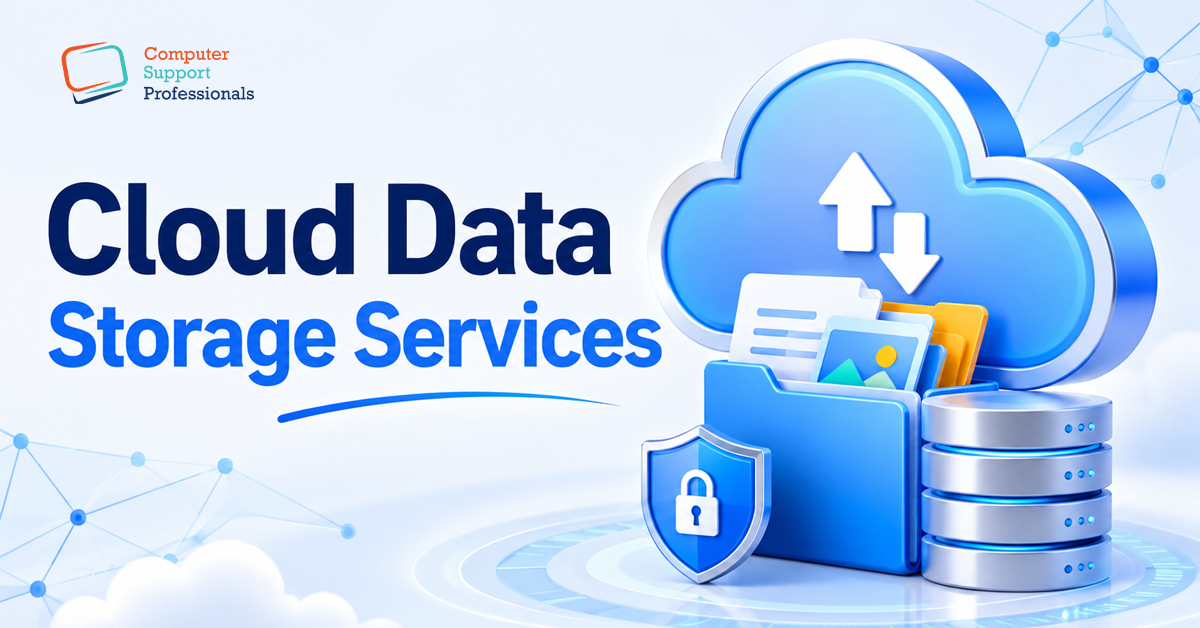
Cloud data storage is a modern online service in which your files, photos, videos. And other important data are not stored on a single computer or mobile, but are stored in large and secure data centers on the Internet. These data centers are located in different parts of the world and are operated by large technology companies.
This means that your data is not limited to your own device, but is stored in a secure online space from where you can access it anytime and anywhere. For example, Google Drive, Dropbox and OneDrive are such popular cloud storage services.
To use cloud storage, you only need an internet connection and an account. All the rest of the work, such as saving, protecting and backing up the data, is taken care of by the service provider. In this way, the user does not have to worry about the hard drive or mobile memory and the data becomes more secure and easily accessible.
2.Cloud Security
Cloud security refers to the security system that protects data stored in the cloud from unauthorised persons. And it means that only those who are allowed to access data can see or use it, while others cannot.
Cloud security uses different methods to keep data safe and secure. A login system and a password are used to identify the user. So that no unauthorised person can access the account data. In addition, encryption is also used in which the data is converted into a special code so that even if someone obtains it, they cannot read it.
Firewalls and antivirus systems are also part of cloud security, which prevent threats such as hacking and viruses. Along with this, a regular backup system to restore lost data.
Important aspects of security in the cloud:
1) Encryption
Encryption is used to convert data into a special code or secret form. And its purpose is that if someone obtains the data, they cannot read or understand it. Only authorised users who have rights or a special key can see the data in its original form. The protection of data from inappropriate usage is one of the reasons why this strategy is regarded to be crucial in cloud security.
2) User Authentication
User authentication is a security system that checks whether the person logging in is really the right user. It uses passwords, OTP (one-time code) and biometrics such as fingerprint or face recognition. The purpose is that no unrelated or unauthorised person can enter the account and the data remains safe.
3) Firewall
A firewall acts as a protective wall that protects a computer system or cloud network from dangerous attacks from the outside. All incoming and outgoing data can be checked to stop suspicious activities. A firewall blocks viruses and unnecessary access, which is why the system runs safely.
4) Backup System
A backup system is a secure system that keeps an additional copy of your data. The backup makes it possible to recover the original data in the event that it is ever lost by accident, corrupted, or there is a problem with the system. This capability is available in the case that the backup is used. By preventing the loss of data, this system is of great assistance. And it provides the user with the assurance that his essential data will remain secure at all times.
-
Compliance
Compliance refers to following laws, rules, and regulations that are designed to protect data and ensure user privacy. When a company provides cloud services, it is responsible for adhering to these laws so that user data is safe and not misused.
The systems that cloud organisations use are configured in a manner that is compliant with a variety of national and international legislation. By way of illustration, data protection regulations guarantee that user information is safeguarded and is not disclosed to any other individual or organisation without the user’s prior authorisation. In a similar vein, privacy regulations provide unambiguous guidelines for the utilisation of users’ personal information in order to safeguard their privacy.
In addition, many companies obtain industry standards and certifications, such as ISO certification. These certifications are proof that the company is following security and data management principles in accordance with international standards.
-
Access Tiers
We have several access tiers . Access tiers represent varying levels of access to data . There are usually three layers in the cloud:
1) Hot Tier
Hot Tier is the level of cloud storage used for data that requires frequent access. Files stored in this tier are opened very quickly and can be easily accessed at any time. The cost of this data is also somewhat significant. Since additional resources are required to ensure that the data is accessible at all times. Businesses and normal users save their critical files, papers and projects of the day in the hot tier for rapid access when required.
2) Cold Tier
Cold Tier is used for data that is needed occasionally. These are files that are not used daily but may be needed in the future. This tier has cheaper storage costs than the hot tier, however data access may take longer. Companies save outdated projects, reports, and infrequently utilised documents on the cold layer. This reduces expenses and protects vital data.
3) Archive Tier
The archive tier is the lowest-cost level of cloud storage. It is used for data that needs to be preserved for a long time but requires very little access. Because files in this tier are not ready for immediate use, retrieving them takes time. This tier is best for companies who want to store important data cheaply for a long time.